

🐚 DIY Shell Phone
This repository is the open-source reference for the DIY Shell Phone, so anyone can build their own.
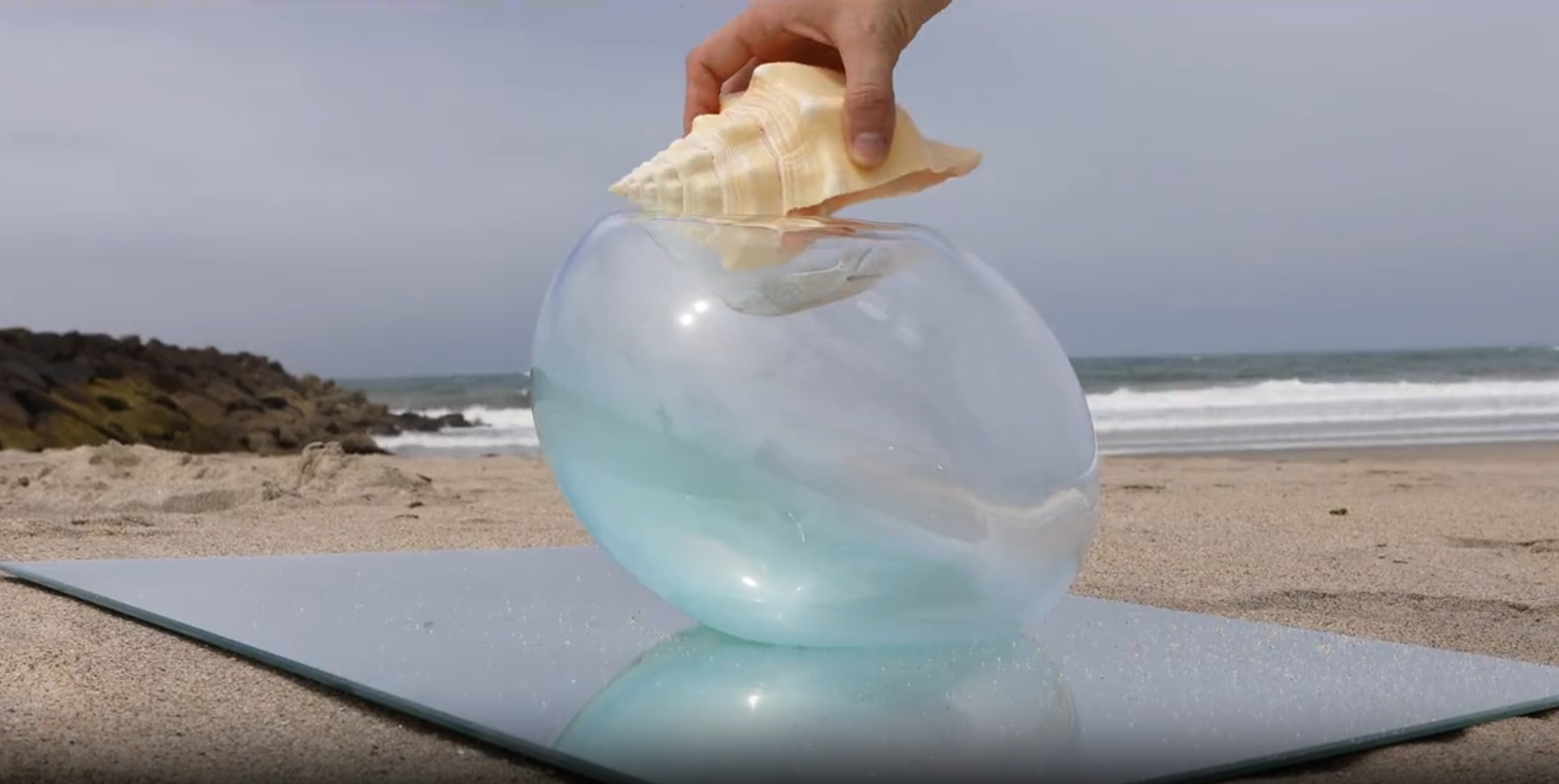
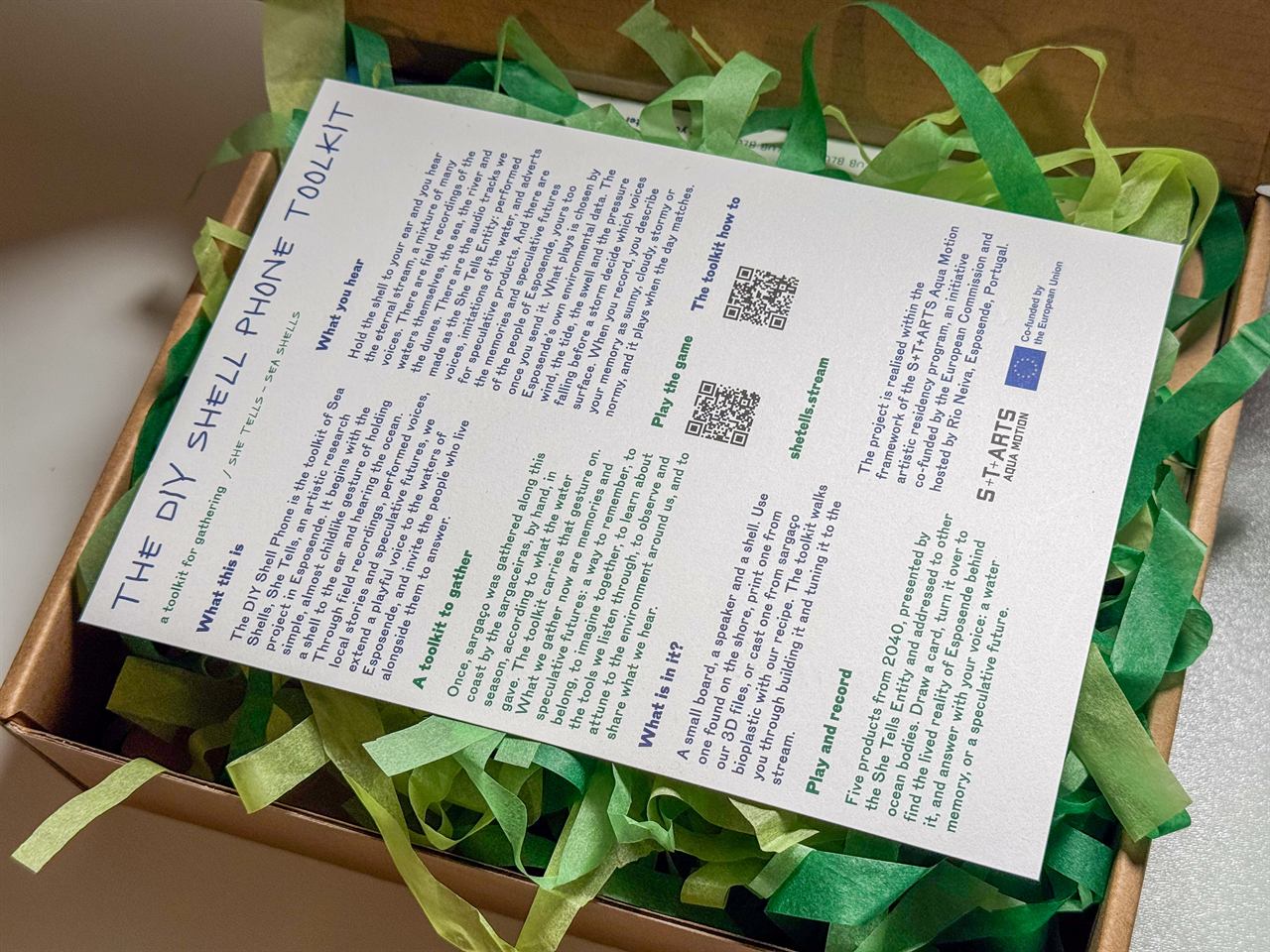
The DIY Shell Phone is the toolkit of Sea Shells, She Tells, an artistic research project in Esposende. It begins with the simple, almost childlike gesture of holding a shell to the ear and hearing the ocean. Through field recordings, performed voices, local stories and speculative futures, we extend a playful voice to the waters of Esposende, and invite the people who live alongside them to answer.
Building a kit? Start with the Assembly guide, then the Wi-Fi setup.
About the project
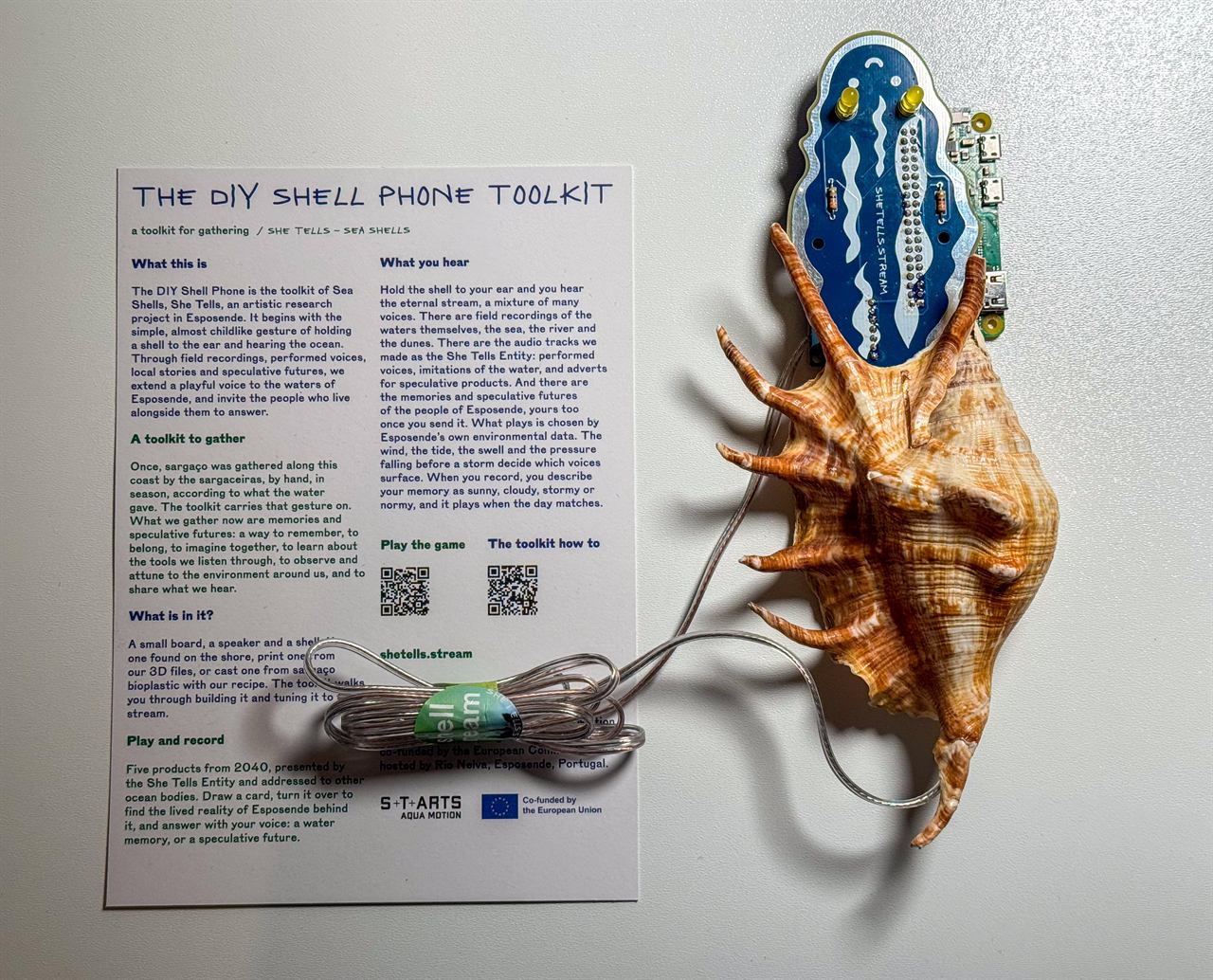
English - The Shellphone is a shell you can listen to. Inside a shell sits a Raspberry Pi Zero W (or Zero 2 W) and a small custom audio board. When you hold the shell to your ear, it connects over WiFi to shetells.stream and plays its live stream - a flow of voices and memories that people have shared about water: the sea, rivers, drought, the things we are losing. It turns a familiar gesture - listening to a shell - into a way of listening to each other, and to the water. (You can also explore the Living Archive to see the memories and the process behind the piece.)
Português - O Shellphone é uma concha que se pode escutar. Dentro de uma concha estão uma Raspberry Pi Zero W (ou Zero 2 W) e uma pequena placa de áudio feita à medida. Ao aproximar a concha do ouvido, liga-se por WiFi a shetells.stream e reproduz a sua transmissão ao vivo — um fluxo de vozes e memórias que as pessoas partilharam sobre a água: o mar, os rios, a seca, aquilo que estamos a perder. Transforma um gesto familiar - ouvir uma concha - numa forma de nos ouvirmos uns aos outros, e de ouvir a água. (Também podes explorar o Arquivo Vivo para ver as memórias e o processo por detrás da peça.)
How it works
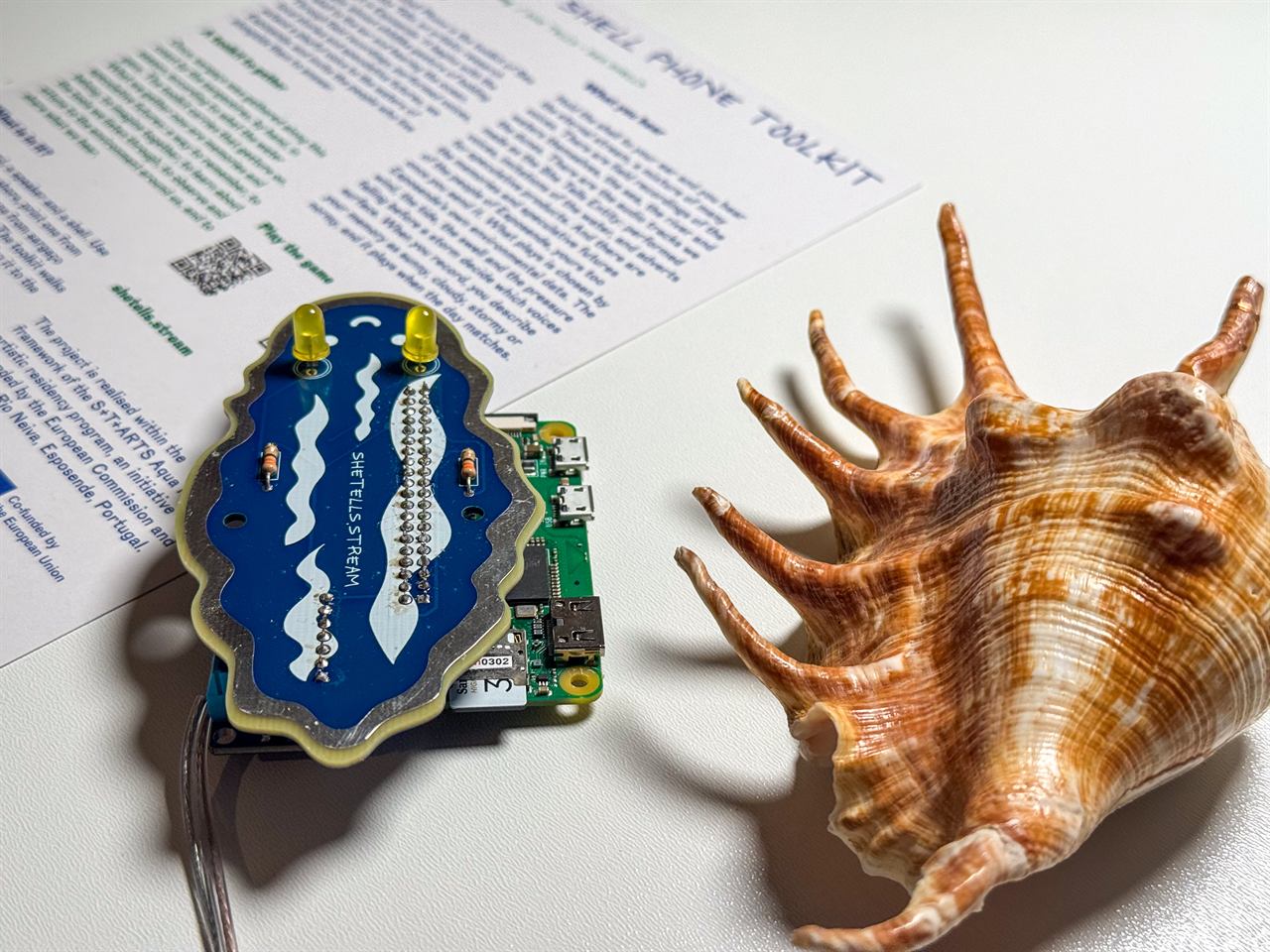
The Shellphone is three parts, hidden inside a shell:
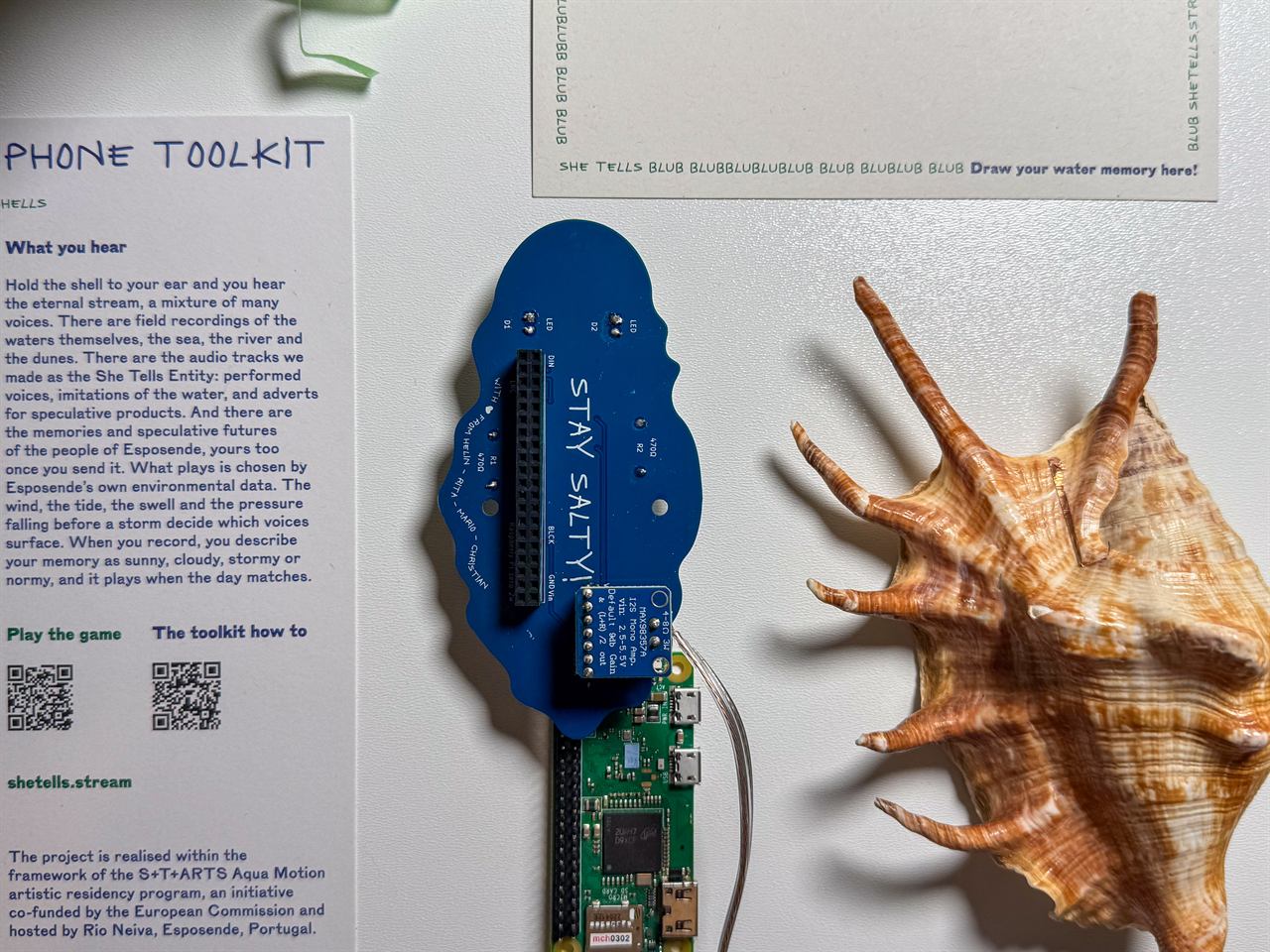
- Raspberry Pi Zero W or Zero 2 W - a tiny WiFi computer. It connects to the internet and plays the live stream from shetells.stream.
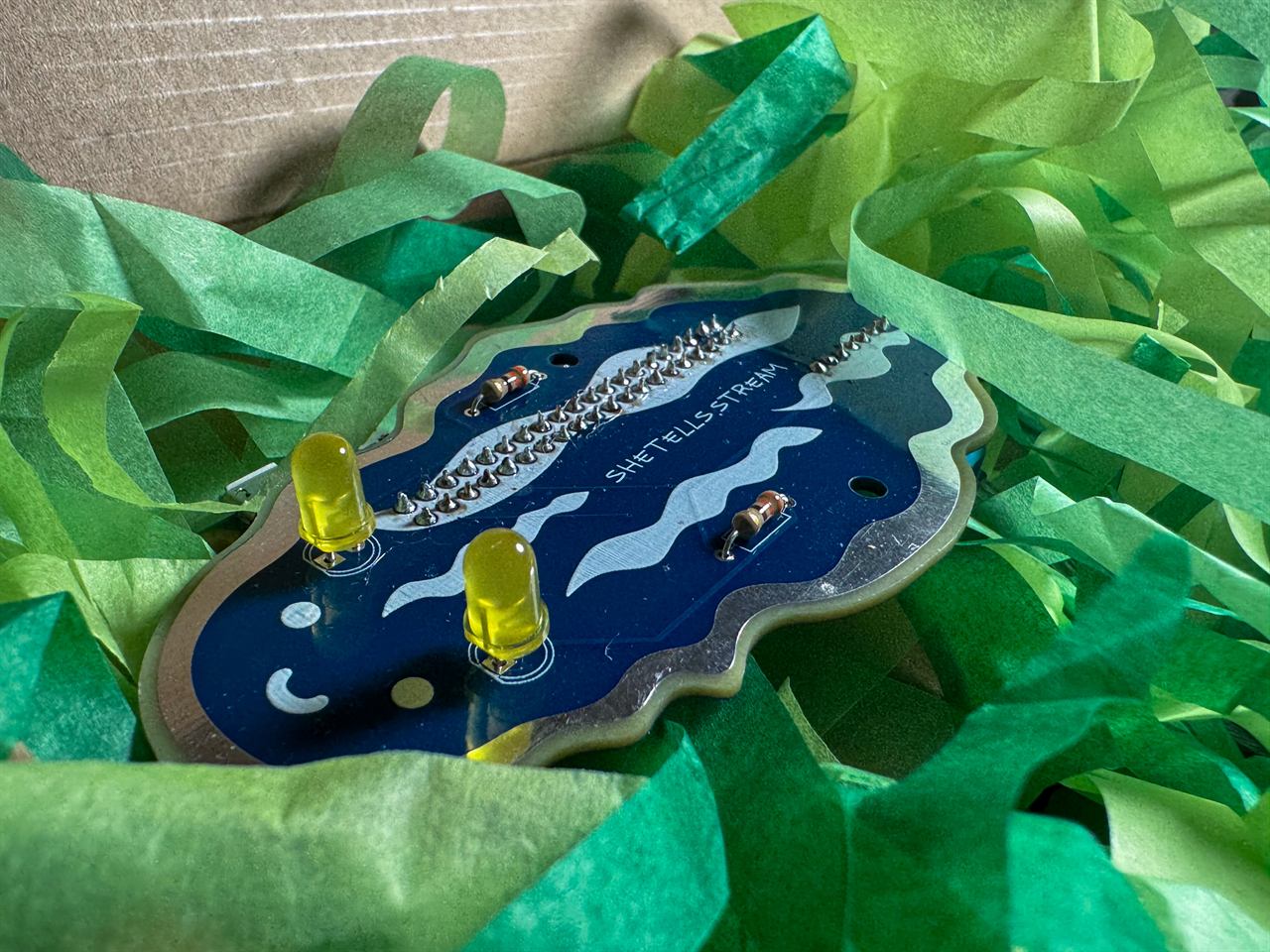
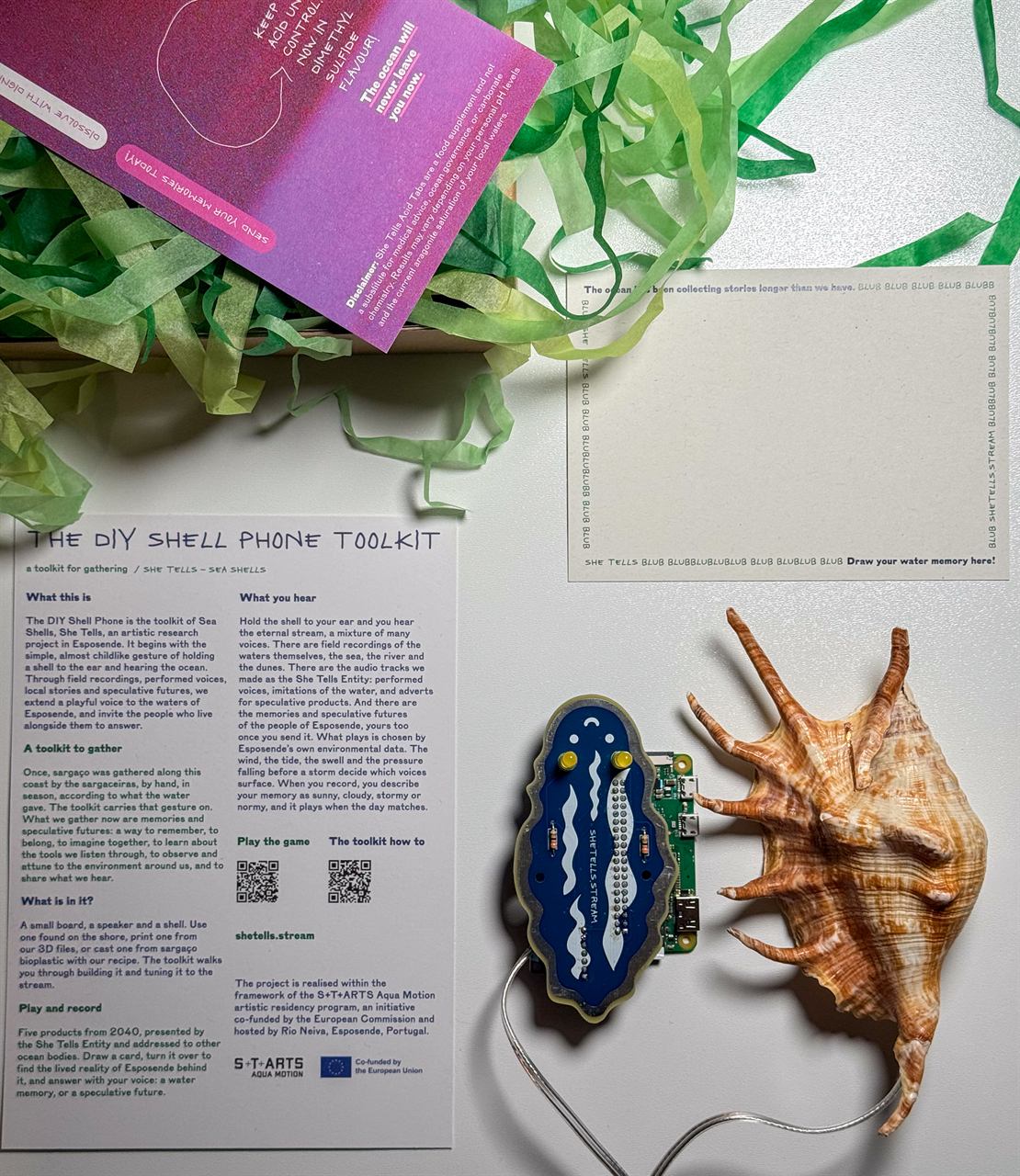
- Custom audio board - a small PCB that plugs onto the Pi like a "HAT". It carries a MAX98357A I2S amplifier that turns the Pi's digital audio into a real signal, plus two LED "antennas" that light up whenever the Shellphone has power. The board is shaped like a snail.
- Bone-conduction transducer (8 Ω, 1 W) - instead of a normal speaker, a small transducer that makes whatever it touches vibrate. Glued inside the shell, it turns the shell itself into the speaker, so the sound seems to rise out of the shell in your hand.
Any shell works: a real seashell or the 3D-printable one in enclosure/. Everything is powered over USB (5 V).
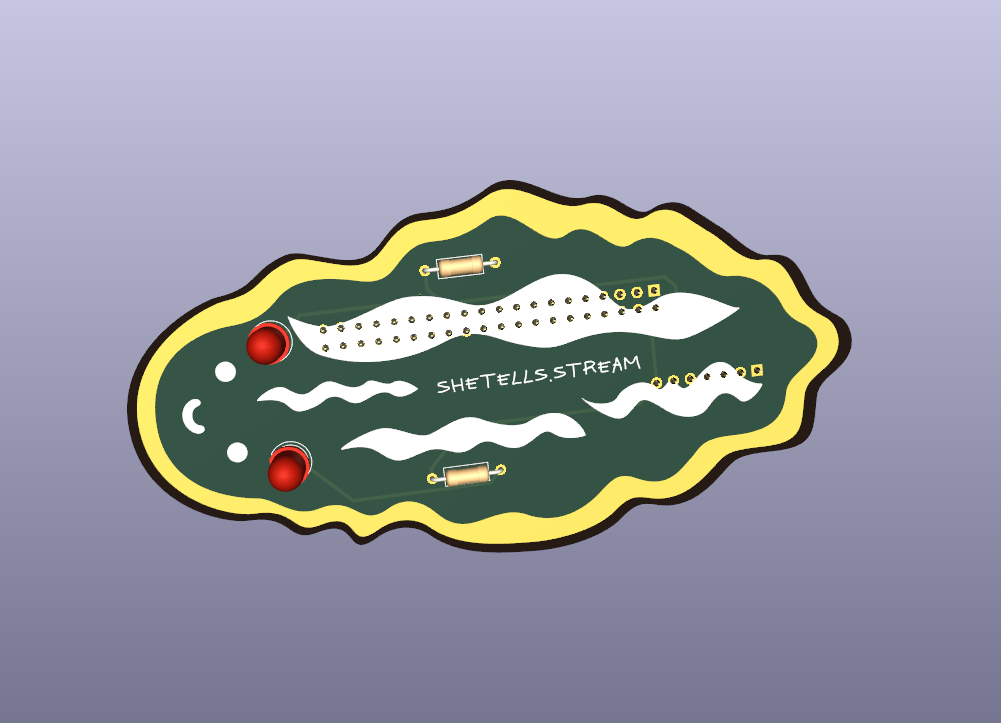
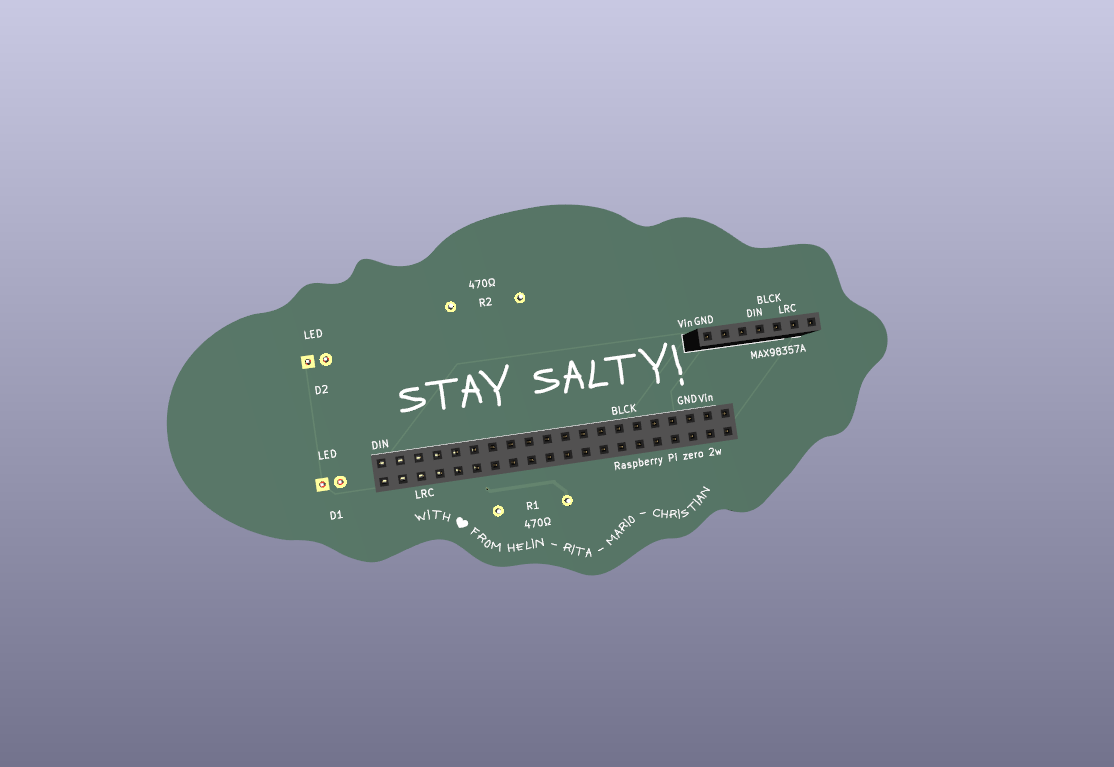
The audio board connects to the Pi's audio pins like this:
| Amp signal | Raspberry Pi pin |
|---|---|
| Audio clock (BCLK) | GPIO18 (pin 12) |
| Word select (LRC) | GPIO19 (pin 35) |
| Audio data (DIN) | GPIO21 (pin 40) |
| Power (Vin) | 5V (pin 2) |
| Ground (GND) | GND (pin 6) |
The two LED antennas are wired from 5 V through a 470 Ω resistor each to GND, so they are always on when the board has power (they are not controlled by the Pi).
(Full board design: hardware/pcb/, a KiCad project.)
What's in this repo
| Folder / file | What's inside | Status |
|---|---|---|
docs/assembly.md |
Step-by-step assembly guide with photos | ✅ |
docs/wifi-setup.md |
Connecting the Shellphone to Wi-Fi | ✅ |
hardware/pcb/ |
KiCad design files for the audio board | ✅ Designed |
hardware/bom.md |
Bill of Materials - the full parts list | ✅ |
enclosure/ |
3D-printable shell (.3mf, .obj), optional |
✅ Included |
images/ |
Build photos and board renders | ✅ |
| Software | Comes pre-installed on the kit's SD card | 🚧 Instructions for flashing your own card coming |
Build your own
- Get the parts - see the Bill of Materials.
- Make the audio board - open the KiCad project in
hardware/pcb/, export the Gerber files, and send them to any PCB fab (e.g. JLCPCB, PCBWay). - Find a shell - any shell works, or print the model in
enclosure/. - Assemble - follow the Assembly guide: solder the board, plug it onto the Pi, and hot-glue the bone-conduction transducer inside the shell.
- Connect it to Wi-Fi - see Wi-Fi setup.
Software
The kit comes with a pre-flashed SD card: the software that connects to Wi-Fi and plays the stream is already on it. 🚧 Instructions for making your own pre-flashed card are coming.
Credits
Made by:
- Helin Ulaş - helinulas.info
- Rita Eperjesi - rita.cloud
- Mario Guzman - mario-guzman.com
- Christian Kokott - kokott.art
Co-funded by the European Union within the S+T+ARTS Aqua Motion residency, hosted by Rio Neiva, Esposende.